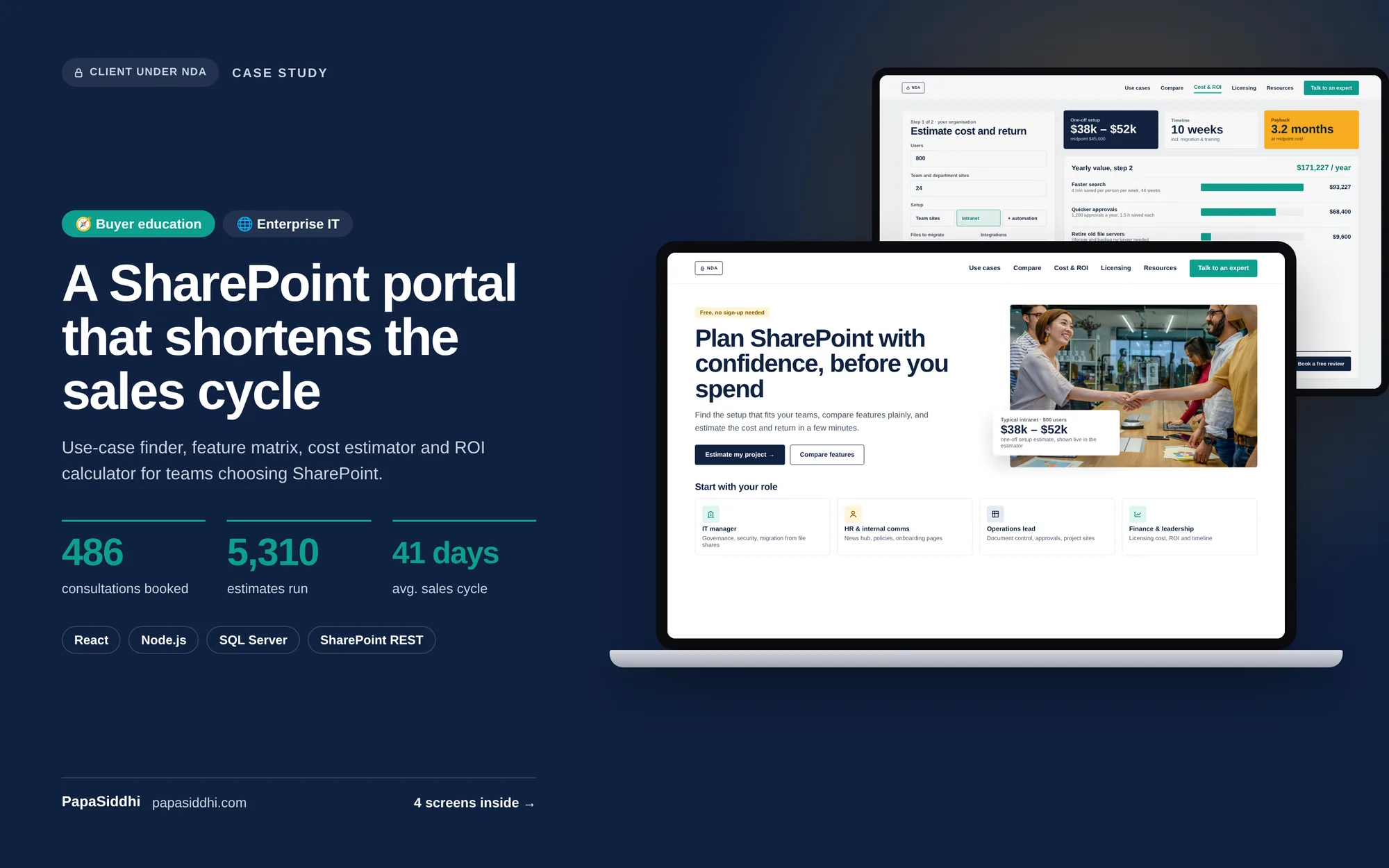
Enterprise
SharePoint Intranet Resource Portal for Enterprise IT Teams
Became a trusted reference portal for SharePoint evaluation and adoption.
ReactNode.jsSQL Server
Global·Information PortalView Study →
An interactive decision support and planning tool helping enterprises evaluate and execute Windows Server 2003 end-of-life migration strategies — with assessment wizards, cost calculators, and migration roadmap generators.
Used by enterprise IT teams across multiple countries to plan and execute successful migrations.
Project Highlights
Scalable Architecture
Built for growth — Decision Support Tool designed to scale
Secure & Compliant
Enterprise-grade security and data protection standards
Measurable ROI
Migration paralysis → Structured decision and planning framework
Global Delivery
Delivered for a Global-based Enterprise client
Tech Stack
Last updated:
Industry
Enterprise
Sector
Infrastructure Migration
Region
Global
Project Type
Decision Support Tool
The client supports enterprise IT departments across multiple countries with infrastructure planning and modernisation. Its audience is infrastructure managers, IT directors and architects who run large estates of Windows servers underpinning line-of-business applications, file services and directory infrastructure, often accumulated over many years and across several data centres. Many of these estates also hosted bespoke applications whose original developers had long since moved on.
When Microsoft announced end of support for Windows Server 2003, these organisations faced a hard deadline with real consequences: no further security updates, growing audit exposure and ageing hardware. The client wanted a digital tool that would help enterprise IT teams move from uncertainty to a defensible migration plan, turning a sprawling technical decision into a guided, structured process.
This project was delivered under a Non-Disclosure Agreement. The client operates in the Enterprise sector (Infrastructure Migration) and is based in Global.
Enterprises facing Windows Server 2003 end-of-life were stalled by the sheer number of options. Each workload could be upgraded in place, rebuilt on a newer Windows Server release, virtualised, or moved to the cloud, and the right answer depended on application dependencies, hardware age, licensing and in-house skills. Teams struggled to even begin, while security and compliance risks grew with every month of delay.
Existing planning relied on manual server inventories, consultant workshops and spreadsheets that were hard to keep consistent across sites. There was no common framework for comparing approaches, estimating costs, or translating a decision into a sequenced project plan, which made it difficult for IT leaders to secure budget and executive sign-off.
Migration paralysis
Structured decision and planning framework
PapaSiddhi built an interactive decision support and planning tool using React for the guided user experience, Node.js for the assessment and recommendation logic, and SQL Server for storing inventories, scenarios and generated plans. The tool integrates with Microsoft Assessment APIs so infrastructure data can feed directly into the evaluation rather than being typed in by hand.
Users start with an infrastructure assessment and inventory wizard that catalogues servers, roles and workloads. A risk and compliance impact assessment highlights exposure created by unsupported systems, while a vendor and technology recommendation engine suggests suitable paths for each workload. A cloud versus on-premises cost comparison calculator lets teams weigh financial trade-offs between upgrading, virtualising and moving to cloud platforms.
Once decisions are made, automated migration roadmap generation produces a personalised plan, and a migration project timeline planner sequences the work into realistic phases. The result is a single, structured framework that takes an IT team from discovery through to an executable migration programme. Saved assessments can be revisited as conditions change, so plans stay current rather than going stale after the first workshop.
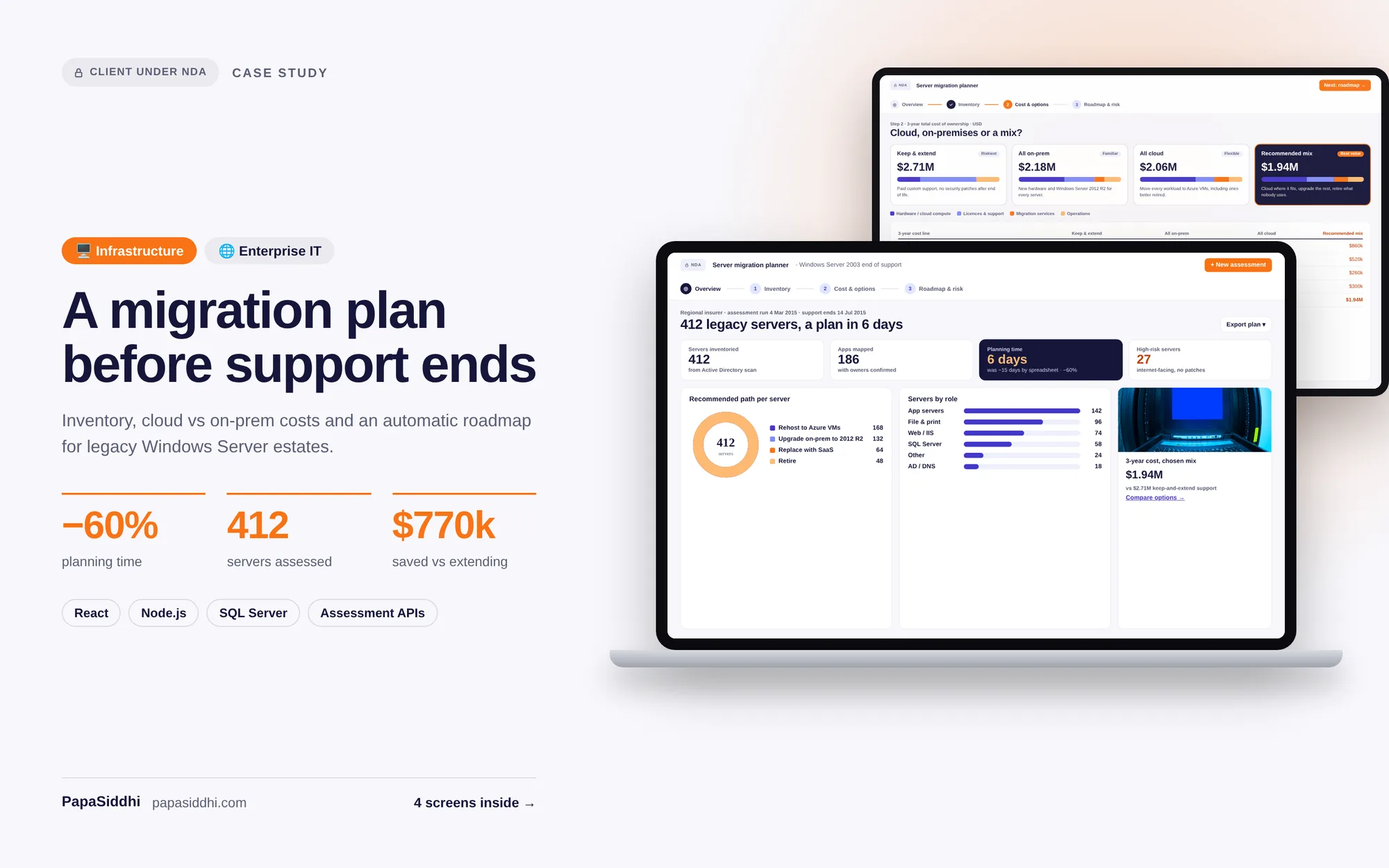
Used by enterprise IT teams across multiple countries to plan and execute successful migrations. Reduced migration planning time by 60% and improved migration project success rates by providing structured decision frameworks.
Transformation Summary
Migration paralysis → Structured decision and planning framework
This project was delivered under a Non-Disclosure Agreement (NDA). Specific client details, business data, proprietary workflows, and project credentials remain confidential. Screenshots and live URLs are available upon mutual NDA execution.
Request an NDA to see full detailsIt scores against infrastructure inputs, workload characteristics and constraints your team supplies, then generates a roadmap rather than a single verdict. The value is in making the trade-offs explicit and defensible to leadership, which is what reduced planning time by 60% — not in the tool making the decision for you.
The specific deadline passes, but the pattern recurs with every end-of-life cycle, and the assessment framework transfers to the next one. We build the criteria and cost assumptions as configurable data precisely so the tool can be retargeted rather than rebuilt when the next migration wave arrives.
Yes, and it is a common ask from consultancies and managed service providers who want a qualification tool carrying their brand. Branding, assumptions and recommendation logic are all configurable; the effort scales with how much you want the underlying model to differ from the original.
Typically two to three months. As with most calculator and assessment tools, agreeing the underlying model with your subject matter experts takes longer than building the interface, so we front-load those workshops rather than discovering disagreements during development.
It was both here — enterprise IT teams used it for real planning, and that credibility is exactly why it generated qualified leads. A tool built purely as a lead magnet gets recognised as one by technical audiences, so building genuine utility is the more effective marketing strategy.
Let's discuss your project and create a success story together.
Enterprise
Became a trusted reference portal for SharePoint evaluation and adoption.
Enterprise
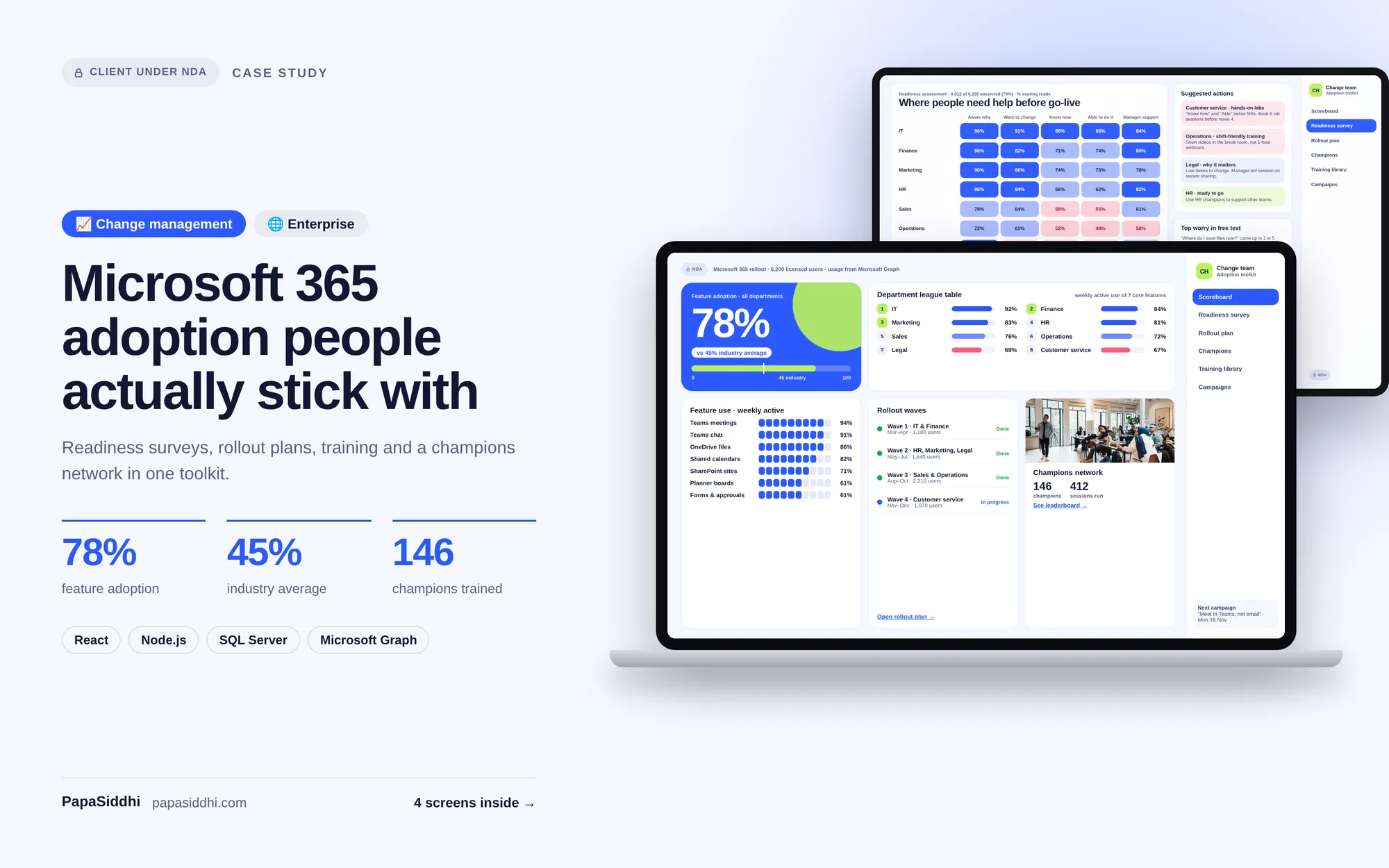
Helped enterprise clients achieve average M365 feature adoption rates of 78% (vs industry average of 45%).
Enterprise
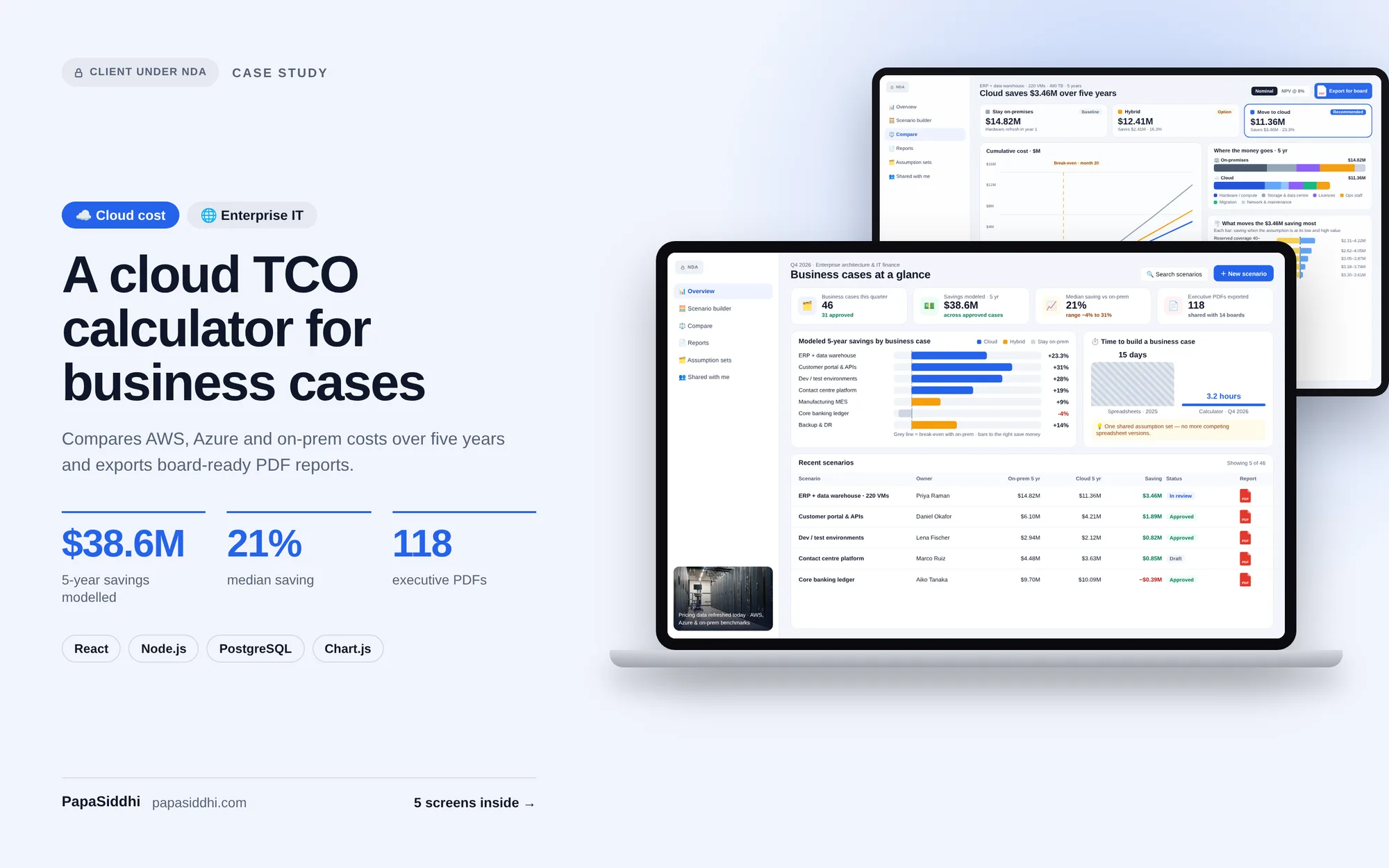
Adopted by enterprise technology teams to support board-level investment decisions.